
Product examples · Features and access are confirmed for each rollout.

Why NUMA

Keep the context. Choose what happens next.

An answer helps for a moment. NUMA keeps your messages, plans and decisions connected so you can pick up where you left off, with control over what is shared.

NUMA OPSGet started
01

Why NUMA

The scattered day

Messages, files, appointments, costs and exceptions arrive in different places. NUMA reads them as one situation while preserving their source.

A woman reviewing papers at a table at home.
The scattered day
02

Why NUMA

An AI of your own

The Pocket model can adapt to verified corrections, preferences and outcomes while Command Centre limits what may be learned or acted upon.

03

Why NUMA

Human authority by design

NUMA can understand, compare and prepare. The authorised person approves consequential action.

04

Why NUMA

From assistance to continuity

The operating history remains usable when a device, model, supplier or team member changes.

Colleagues reviewing a project around a shared worktable.
From assistance to continuity
Explore the setup illustration
Planned onboarding route

Talk it through with NUMA

NUMA explains OPS Free and the extra personal usage in OPS Plus, helps you choose your AI and optional Pocket, then guides you through your personal connections.

  1. Understand what is included and what is separate.
  2. Choose your AI setup, optional Pocket and several tools together.
  3. Complete each service’s own authorization steps.

Explore this route
Planned onboarding route

Set it up on the website

Use familiar forms, menus and settings to make the same choices yourself. The website remains a complete way to manage your personal OPS.

  1. Compare OPS Free and OPS Plus, then review your personal account settings.
  2. Choose your AI setup, optional Pocket and several tools together.
  3. Authorize each service and review its setup status.
Explore this route

One account. The same saved setup.

Both routes are planned to use the same OPS account, saved settings, connections and permissions. Move between the NUMA conversation and the website to see or edit the same setup.

Explore the planned experience

Change a choice. See it in both routes.

This interactive illustration shares choices between the two views only. Nothing is saved to an OPS account, and no service is connected.

One personal setup · IllustrationNot connected
NUMA

Which AI options and tools would you like to use? You can choose more than one, and change your choices at any time.

AI options · choose any combination
Tools · choose several together
Your illustrated setup

Nothing selected. You decide.

Selected services still need their own authorization. This illustration does not check provider or device compatibility.

A familiar web workspace

Clear menus. Visible status. Full control.

The website remains a complete way to manage OPS. NUMA adds a conversational way to reach the same choices and actions.

Planned interface

Account and AI settings

Review your personal account, included allowance and chosen AI connections.

Planned interface

Connection management

See selected tools, required authorization steps and the status of each connection.

Planned interface

Permissions and memory

Review what you have allowed and manage your own personal setup.

Your accounts. Your permissions.

Choose what to connect and what OPS may do. Your connections, permissions, private data and memory belong to your personal account.

How account access is separated

Each user authorizes their own connections. Ordinary users do not inherit the master administrator’s permissions, connections or credentials. The master administrator retains wider administration and access.

Continue exploring

Explore more of your OPS.

A woman checking her phone at a table at home.
At home · Before the day begins

Explore OPS

Start with what needs you today.

Review appointments, travel and open decisions together.

Explore the story
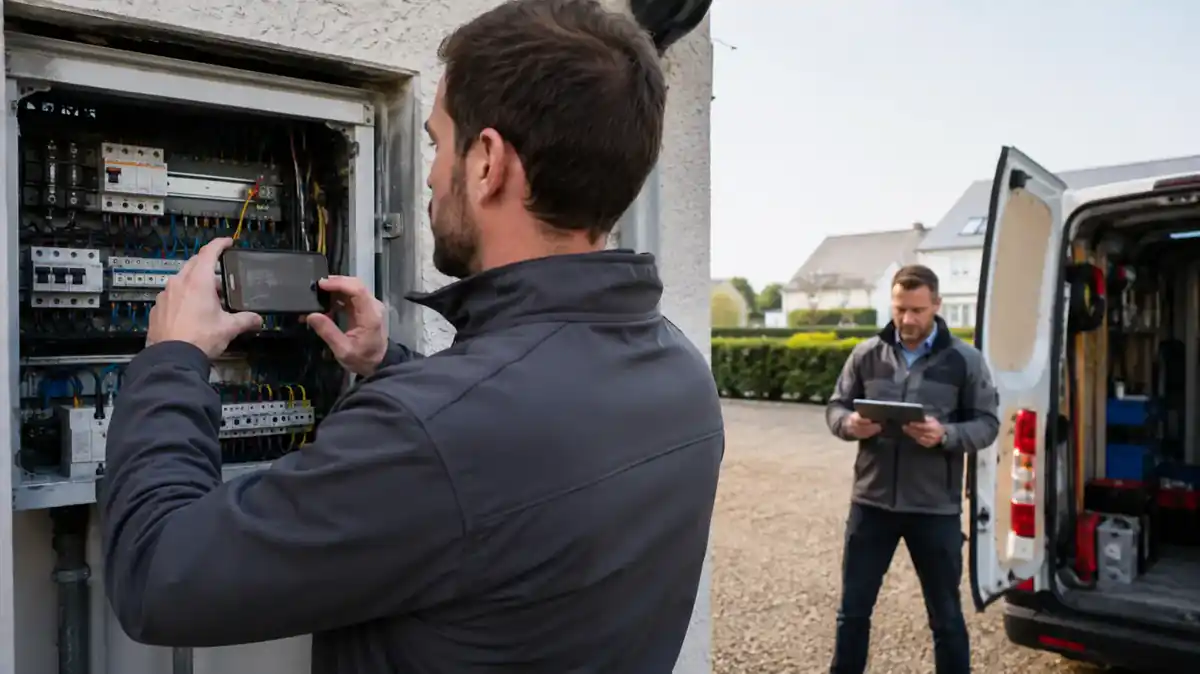
A technician using a tablet beside equipment, with a colleague nearby.
At the workplace · The information for this task

Explore OPS

The right view for the job.

Show each person the information and actions their role allows.

Explore the story

Continue exploring

Choose your OPS starting point.

See plans and inclusions
Create account

This website adds no advertising or analytics tracking. Necessary account and security services may use their own cookies. The choice below remembers only that you have read this notice.

Only when you choose Understood, corporate_cookie_notice stores necessary-v1 for 180 days on this host, with SameSite=Lax and Secure on HTTPS. No optional categories are active.

Read the cookie policy